IFC viewer
Open IFC files in your browser
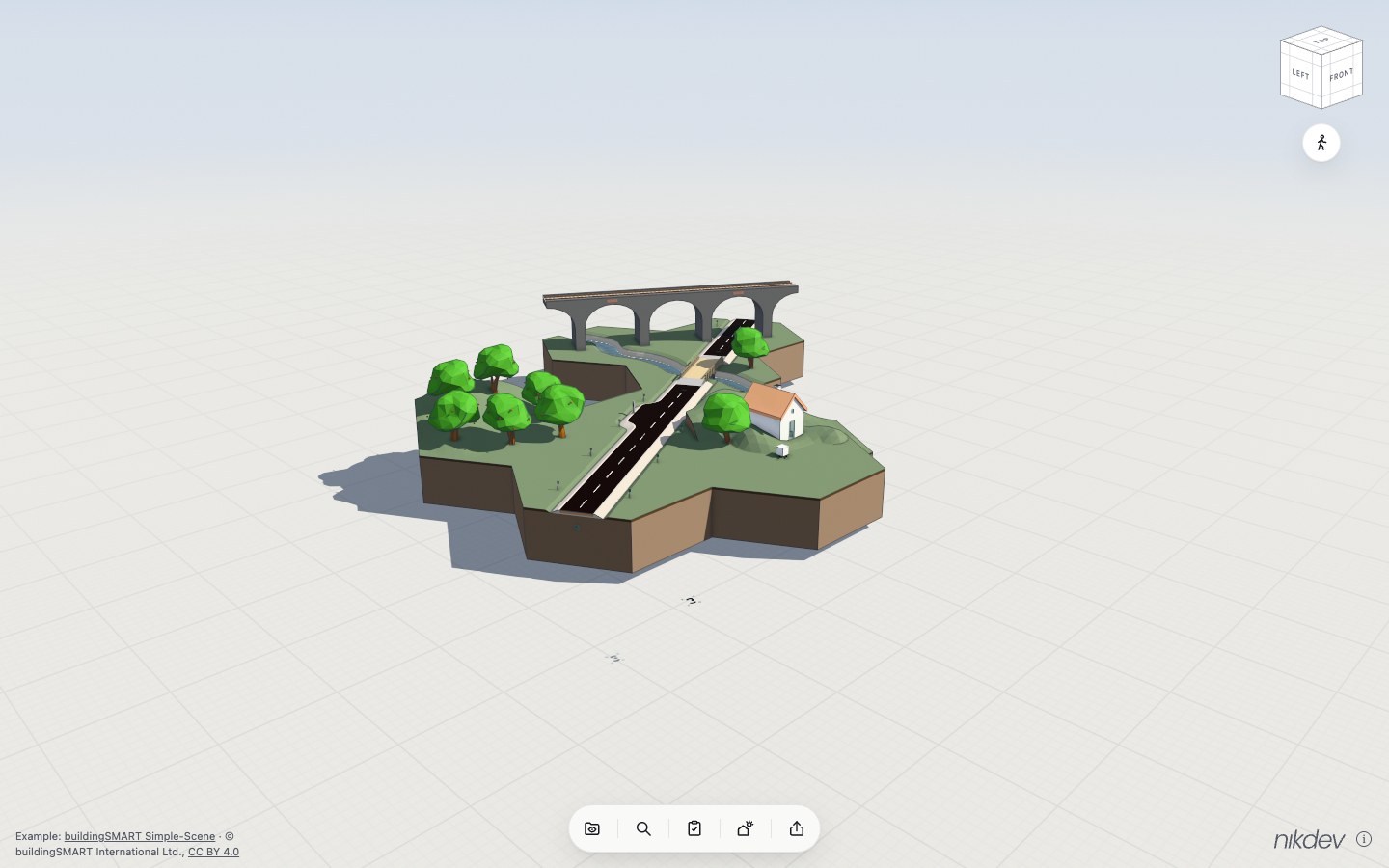
Explore BIM models in 3D and check their information against IDS requirements. Inspect properties, look closer and share review results.
What you can do in the viewer
Tools to understand the model and review the information it contains.
Validate models with IDS
Check model information against an IDS file. Highlight failures in 3D and export results as HTML, CSV or BCF.
Explore several models
Open multiple IFC files together. Navigate in 3D and show or hide models, storeys and object types.
Search and compare information
Find objects, inspect properties and materials, and compare several objects side by side.
Measure and see inside
Measure distances, areas and angles. Cut through the model, isolate objects and colour them by property.
Manage issues with BCF
Create issues with saved viewpoints, comments and status. Import and export BCF, or create issues directly from IDS results.
Create 2D views
View plans, sections and elevations from the model. Choose a scale and export as SVG or PNG, or print.
Export and save views
Export images, or save selected object properties as CSV. Save views in your browser to return to the same perspective.
Sunlight and visual studies
Explore sunlight and shadows throughout the day. Try visualisations of wind and water too.
The example model opens automatically. You can also use your own IFC file.
Open the viewer and try itA few common questions
What is an IFC file?
IFC is an open format for exchanging information about buildings and infrastructure. A file can contain both geometry and information about the model's objects.
Is my model uploaded?
No. Your IFC file is opened and processed locally in your browser.
How do I check a model with IDS?
Open your IFC model and choose Check, then Check IDS. Open your IDS file to run the check. IDS stands for Information Delivery Specification and describes information requirements. The results show whether the model information meets the requirements in that file. You can highlight failures in the model and export a report.
Why are some properties missing?
The viewer shows the information included in the IFC file. What is available depends on how the model was created and exported.
Does it work on a phone?
The viewer adapts to smaller screens. The size of model you can open depends on your device's memory and capacity.